
Middle School GPA Calculator: Easily Calculate Your GPA
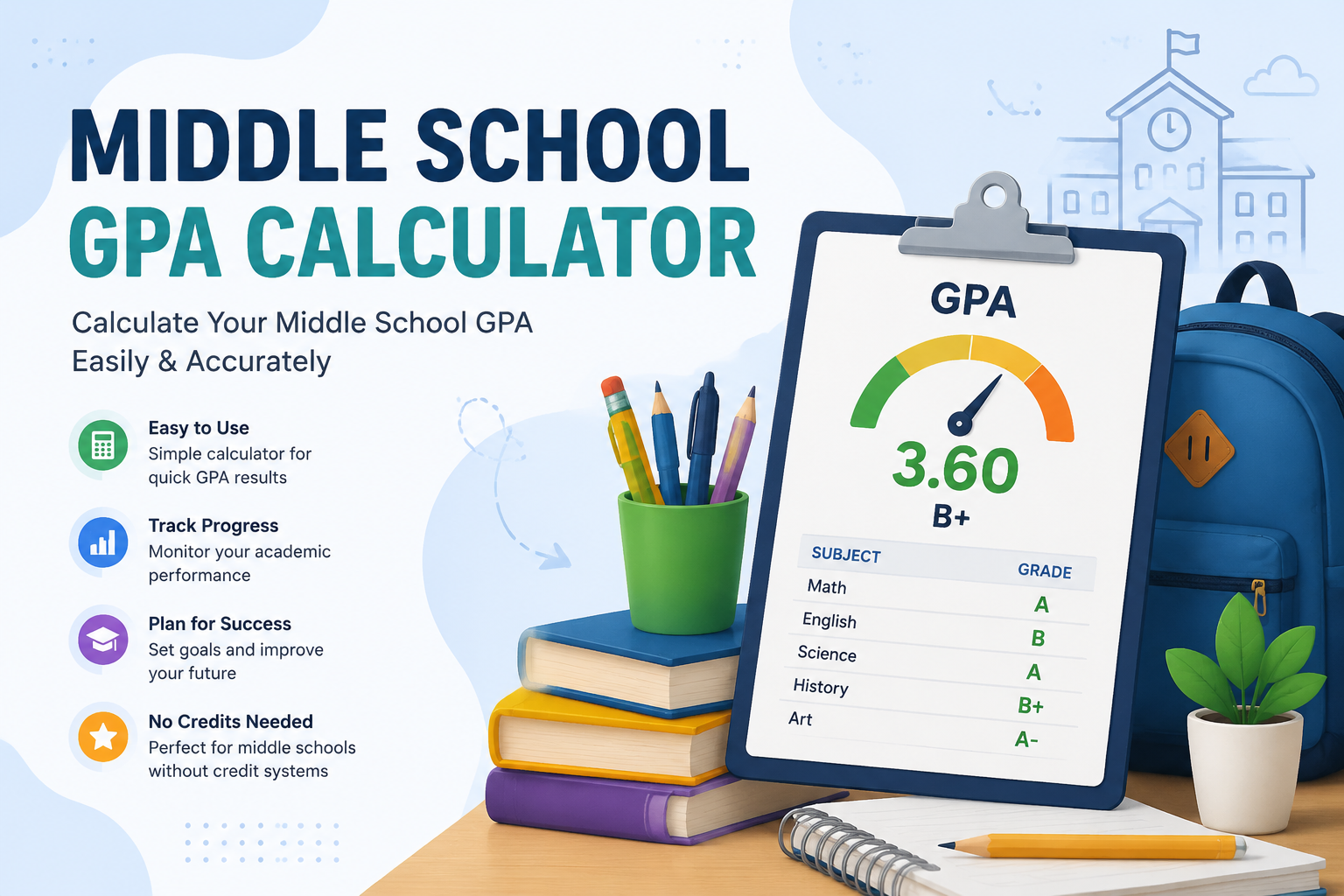
Are you a middle school student, parent, or teacher looking to calculate your GPA quickly and accurately? Our Middle School GPA Calculator is designed to make this process simple and precise. Whether you’re trying to track your academic progress or plan for high school, this tool helps you understand your grades and overall GPA with ease.
What is GPA and Why Does it Matter in Middle School?
GPA, or Grade Point Average, is a numerical representation of a student’s academic performance. While high school GPA often gets more attention, calculating GPA in middle school is just as important. It helps students:
- Track academic progress over time
- Identify strong and weak subjects
- Prepare for high school planning
- Set goals for improving grades
Middle schools often use a 4.0 scale, where an A = 4.0, B = 3.0, and so on. Some schools may also use percentage-based grades or weighted scales. Our calculator supports these variations to ensure accurate results.
How to Calculate GPA for Middle School
Calculating GPA manually can be confusing, especially when classes have different credit values or when some are marked as no-credit. Here’s a simple step-by-step process:
- Convert letter grades to grade points:
- A = 4.0
- B = 3.0
- C = 2.0
- D = 1.0
- F = 0.0
- Multiply each grade by its credit value:
- Standard middle school courses usually have equal weight, but our calculator can handle custom credits if needed.
- Add the total grade points.
- Divide by the total number of credits.
This formula works for weighted and unweighted GPAs, giving students a clear picture of their academic performance.
Weighted vs Unweighted GPA
- Unweighted GPA: Treats all classes equally. An A in math counts the same as an A in art.
- Weighted GPA: Gives extra points for advanced or honors courses. For example, an A in an honors class might count as 4.5 instead of 4.0.
Our Middle School GPA Calculator allows you to choose weighted or unweighted calculations, giving you a flexible tool for any grading system.
How to Handle No-Credit Classes
Some middle school classes, like electives or pass/fail courses, might not carry credit. Our calculator accounts for GPA calculator middle school no credits, ensuring that these courses do not skew your GPA.
Simply enter the class as “no credit” and the calculator will exclude it from the GPA formula, while still showing your grade for reference.
Step-by-Step Example: Calculating GPA for Middle School
Suppose a student has the following grades:
| Subject | Grade | Credits |
|---|---|---|
| Math | A | 1 |
| Science | B | 1 |
| English | A | 1 |
| History | C | 1 |
| Art (No Credit) | B | 0 |
Step 1: Convert grades to points
- Math: 4.0 × 1 = 4.0
- Science: 3.0 × 1 = 3.0
- English: 4.0 × 1 = 4.0
- History: 2.0 × 1 = 2.0
- Art: 3.0 × 0 = 0 (no credit)
Step 2: Add total grade points: 4 + 3 + 4 + 2 = 13
Step 3: Divide by total credits: 13 ÷ 4 = 3.25 GPA
With this method, you can see how each grade contributes to your overall GPA, helping students focus on improvement areas.
Using Our Middle School GPA Calculator
Our GPA calculator middle school tool is easy to use:
- Enter each subject and corresponding grade.
- Assign credit values or mark as no credit.
- Click Calculate to see your GPA instantly.
- Get a letter grade equivalent for quick reference.
It’s fast, accurate, and designed for students, parents, and educators alike.
Tips to Improve Your GPA in Middle School
- Stay organized and track grades regularly.
- Focus on challenging subjects early.
- Seek help from teachers or tutors for weak areas.
- Participate in class to earn participation points where available.
- Take advantage of extra credit opportunities.
Using the GPA calculator, you can simulate how future grades affect your GPA, giving you strategic insights to improve academic performance.
FAQs About Middle School GPA Calculation
Q: Can this tool handle honors or advanced classes?
A: Yes! You can calculate both weighted and unweighted GPA.
Q: What if my school uses percentages instead of letters?
A: Our calculator converts percentages to grade points based on standard conversion scales.
Q: Can I include no-credit or pass/fail courses?
A: Absolutely. Courses without credit are excluded from the GPA formula but still appear for reference.
Q: Is this tool free?
A: Yes, our Middle School GPA Calculator is completely free and accessible on any device.
Conclusion
Calculating your GPA doesn’t have to be confusing. With the Middle School GPA Calculator, students can easily track academic progress, understand the impact of each grade, and plan for high school success.
Start calculating your GPA today and take control of your academic performance!